

Happy to announce Beta 3 of the Pogo SDK. There are a lot of improvements under the hood, but a few more visible changes are worth noting.
- Autoconnect - After being initialized, T1PogoManager will now autoconnect previously connected pens. This is great news for users, who no longer have to use a connection UI. A simple button press on the pen will start the connection.
- Drawing performance - iPad 3-specific parameters will be pushed to the pen to eliminate missed pen strokes.
- Enhanced pen scanning UI - Better instructions, and detailed info about the pen are now available, including realtime battery level. On a related note, the battery warning delegate method is now active and will fire once when 5% battery remains.
- API Change - If you've been allowing a bluetooth bridge for older iPads, you'll need to update your code to the following:
[pogoManager setEnablePenInputOverNetworkIfIncompatiblePad:YES]; - [UPDATE] - Beta 3.1 adds fix to keep pens with older firmware from disconnecting when application enters background.
The updated SDK and demo project are available here.
Tweet
- 1.0 - 04.15.11
- Initial Release - 1.1 - 04.30.11
- Added velocityReduction property (float value from 0-1). Use this to change how the stroke responds to pen velocity. 0 = no reduction at maximum velocity. 1 = 100% reduction at max velocity or zero-width stroke. - 1.2 - 05.16.11
- New Feature: You may now specify a custom security hash value. This may be used to link an autograph with a document ID. Specify with the setCustomHash:(NSString *)hash method.
- Bug Fix: autographWithView:delegate: is now autoreleased. Please make sure you're retaining it, or it will go away unexpectedly. If you copy/pasted the old demo code, you'll need to update your code.
- Bug Fix: Autograph Library will no longer crash if the included signature guideline image is not found.
- The autographDemo project now shows how to display an autograph in high-res on retina display. - 1.2.1 - 05.17.11
- Bug Fix: Fixed v1.2 crash on 4.3 device when using a custom security hash.
- Bug Fix: Autograph Library now correctly reports the custom hash in the lastHash property.
- Better error handling when the watermark logo is not found. - 1.3 - 12.22.11
- New Feature: Location, timestamp, and raw signature data points for each signature now available.
- New Feature: Signature now returned as T1Signature object. Contains properties listed above, but also an easy to use, retina-ready UIImageView.
- Bug Fix: Crash fixed for custom hashes less than 10 characters.
- Bug Fix: Better handling of non-integer view sizes.
- Deprecation Notice: lastHash property is no longer supported. Use hashString property of T1Signature instead.
- Deprecation Notice: autographDidCompleteWithImageData:hashValue: is still implemented, but deprecated. Please use new delegate method autograph:didCompleteWithSignature: - 1.3.1 - 02.06.12
- Change: It's no longer necessary to multiply the resulting UIImageView frame.size by 2 for some iOS devices. UIImageView will now always display correctly.
- Bug Fix: armv6 binaries added back into library.
- Bug Fix: Fixed crashing issue in iOS3. - 1.3.2 - 08.21.12
- Change: iOS 6 compatibility
The the latest library and demo project are available here.
Tweet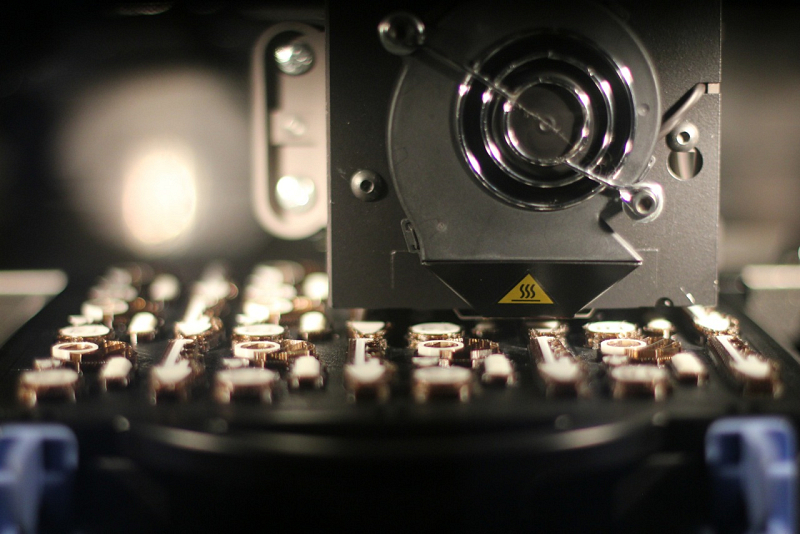
Another batch of our crisp, warm samples is on the way. We're using our 3D printer to fabricate the housing for these. If you haven't reserved your sample yet, contact our info@ address to have a shipment scheduled.
Tweet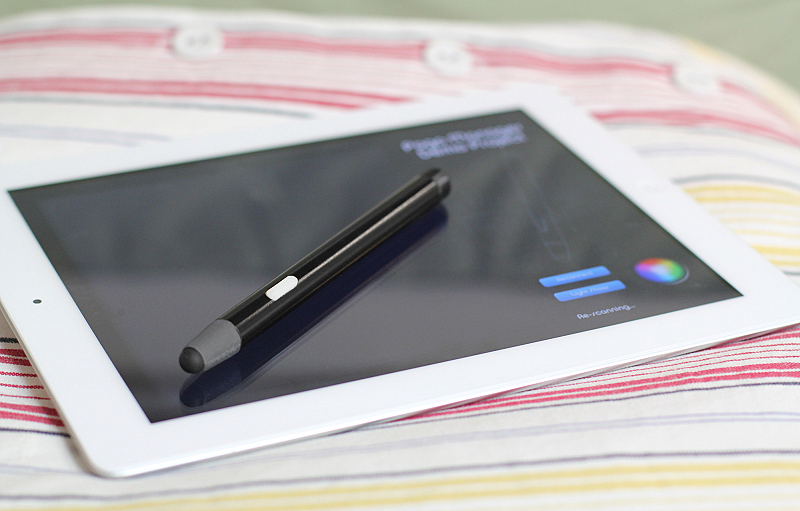
We've been working late every night for the last few months. The final product name is still up in the air. It'll likely be 'Pogo something,' but we're keeping our options open for now.
It's unusual for us to talk about a new product before it is offered for sale. This time, we felt the need to spread the word with our developer friends early for testing purposes. After that, it just felt wrong to exclude everyone else.
The final design is complete, and manufacturing is gearing up now. We'll reveal all the details when they are ready. Here is what we can show you now about our little Blue Tiger.
TweetThat's the whole story. RSS Feed url: http://tenonedesign.com/blog/feed/
TweetFeatured Posts:
