- FAQs
- Features
- Gallery
- Overview
Show/Hide all answers
When to use the Pogo Sketch
- Drawing Applications: The Pogo Sketch is an interesting alternative to expensive graphics tablets, and a lot more portable. On a mobile device, the Pogo Stylus makes sketching a lot easier. See our recommended iPhone/iPad applications here.
- Taking Notes: There are some incredible note taking applications for the iPad and iPhone. They're all great companions to the Pogo Sketch. Check them out here.
- Typing: SMS, Notes, email, entering URLs, or any time you are entering text using the keyboard
- Games: selection, dragging, scrolling, rolling, bowling, and trolling. The Pogo Sketch is a great choice for accurate control of your game
- Navigation: Panning, scrolling, menus, double-tap zoom. Slide to unlock your potential for increased efficiency.
- Buff away an accidental finger smudge. :)
Which trackpads are compatible with the Pogo Sketch?
All Apple trackpads with Multitouch capability will support input from the Pogo Sketch. This includes all MacBook Air, Unibody MacBook and Unibody MacBook Pro. MacBook Pro (Early 2008) is also compatible. This includes model numbers MB133LL, MB134LL, and MB166LL. Essentially, any MacBook with a silver body and black keys will work. The following PC laptops have been tested and are known to work:
- Sony VAIO FW and NW Series
- Compaq Presario CQ60
- Toshiba Satellite E105,M505,L305,L505,A505,P505D
- Dell Inspiron 15 Series
- Dell Studio 17 Series (but not Studio XPS)
- Dell Studio S1440, but not 1555
- All HP Touchsmart products
- HP Pavilion DV4
What is the difference between the Pogo Stylus and the Pogo Sketch?
The Sketch and Stylus differ only in length and loss-prevention mechanism (the Stylus comes with a clip to attach directly to the iPhone or iPod touch; the Sketch itself has a built-in pen clip). The materials and tips are the same. In practice, they may be used interchangeably with all models of iPhone, iPod touch, and iPad.
Which cell phones are compatible with the Pogo Sketch?
Here are the compatible models:
- All iPhone and iPod touch models
- BlackBerry Storm/Storm2
- Motorola Droid
- HTC Droid Eris
- Samsung Instinct S30
- Samsung Instinct HD
- Motorola Crave
- Palm Pixi
- Microsoft Zune HD
Which iPhone cases are compatible with the Pogo Sketch?
Sena WalletSkin, WalletBook, or Magnetic Flipper have pockets and flaps into which you can clip the Sketch. Our Tango case works very well for iPhone 3GS. Otherwise, you can always pick up clip pack. More info on cases compatible with clip pack is listed here.
My trackpad - how much like a pen tablet is it?
The Pogo Sketch does a great job of emulating a finger. �If you're working on a compatible trackpad, you'll find it has the same limitations as a finger as well.
For those of you who'd like something more, like pressure sensitivity and the ability to start inking without needing to click the trackpad, check out Inklet. Inklet is a Mac application that turns your trackpad into a pressure-sensitive pen tablet. It's really quite remarkable.
Note: Autograph is also available for signing documents. It's aggressively priced, so check it out!
For those of you who'd like something more, like pressure sensitivity and the ability to start inking without needing to click the trackpad, check out Inklet. Inklet is a Mac application that turns your trackpad into a pressure-sensitive pen tablet. It's really quite remarkable.
Note: Autograph is also available for signing documents. It's aggressively priced, so check it out!
It's cold outside! Will the Stylus work with gloves?
Nothing is less convenient than taking a GLOVE off just to answer your phone or check an SMS.
With the Pogo Sketch, you won't need to.
The stylus keeps you efficient, even through thick gloves.
Can I buy a clip to attach this to my iPhone or iPod touch?
The clip pack (sold separately here) includes clips that will allow attachment to all current and previous models of the iPhone and iPod touch.
Does the Pogo Sketch work with iPad 2?
Yes.
Why the Pogo Sketch works
The Pogo Sketch has been engineered using a proprietary method to simulate the touch of a finger on the Multi-Touch display or trackpad.
This isn't a "real" answer, but it is management speak for "trade secret."
How can I contact Ten One Design?
Click here!
How to care for your stylus
The metallic body of the stylus may be cleaned with warm water and a light detergent.
The tip may be cleaned in a similar manner.
It is safe to immerse your stylus in water. For a deeper clean, a isopropyl alcohol (isopropanol), 91% may be used for both the tip and the body.
Does the stylus work through screen protectors?
Our stylus is designed to work with the lightest touch. The specific design goal was the same sensitivity as a finger on an uncovered display, and in this we were quite successful. Every screen protector is different, and we can't speak for all of them. Most require some extra stylus pressure, so we don't recommend using them. If you have come across a unique screen protector, feel free to e-mail us and we'll let you know if we've had the opportunity to try it out yet.
Some of the reasons you'll love your new Pogo Sketch
- The newly designed metal clip is perfect for clipping onto all manner of pockets and iPad cases
- Works with any combination of gloves and nails
- Allows you to use your touchscreen device or multi-touch trackpad at a natural drawing angle
- Precision-machined aluminum body in a variety of vibrant colors
Pogo Sketch for iPad
This product has been classified as legacy. It is no longer being made or supported. If you’d like to learn more, please contact info@tenonedesign.com. Thanks!
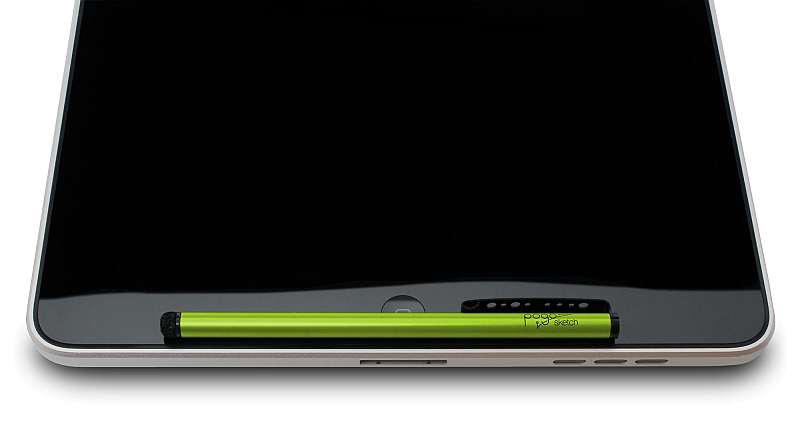
Your iPad's best friend
For taking notes or making a quick sketch, you won't find a better tool than the Pogo Sketch. You'll love how simple it makes writing on your iPad.
The newly-designed metal pocket clip makes it easy to clip the Sketch onto your iPad case, or to a pocket.
The newly-designed metal pocket clip makes it easy to clip the Sketch onto your iPad case, or to a pocket.
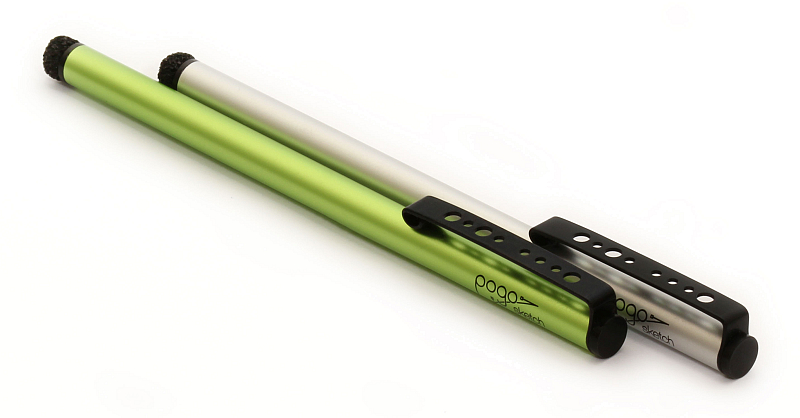
Simple, elegant design
Constructed of only the very best materials and finished to our exacting standards, the Sketch will win you envious glances. It's easy to see why the Pogo series ushered in a new era of design-focused styli.
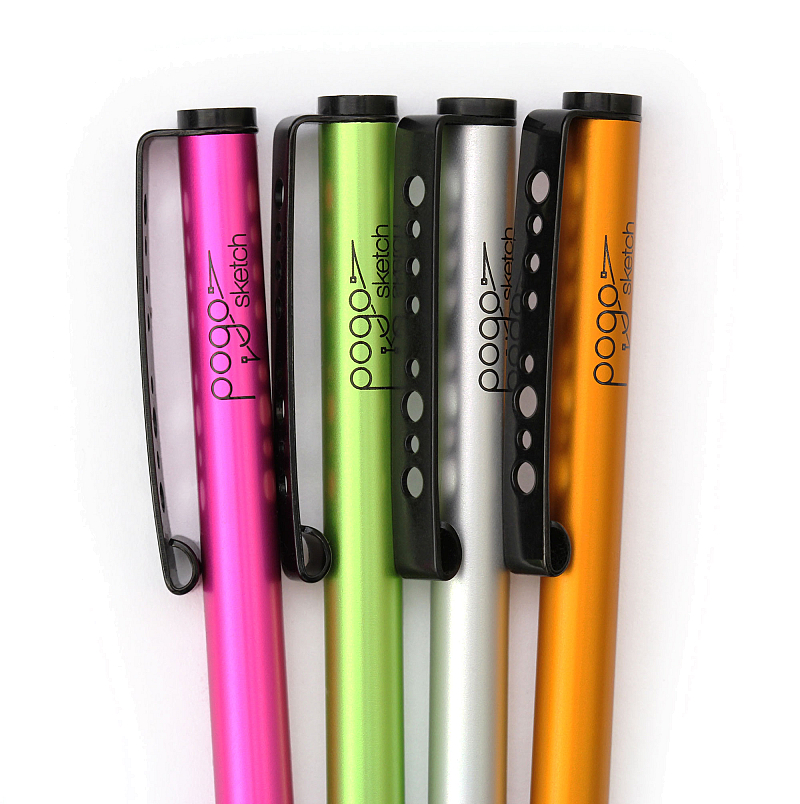
Pogo Sketch Likes You. A Lot.
The integrated clip means Pogo Sketch is going to be there for you whenever you need it.
It will attach to just about anything and grip like crazy.
Being there for you is how Pogo Sketch shows its love, and make no mistake--it will love you.
It will attach to just about anything and grip like crazy.
Being there for you is how Pogo Sketch shows its love, and make no mistake--it will love you.
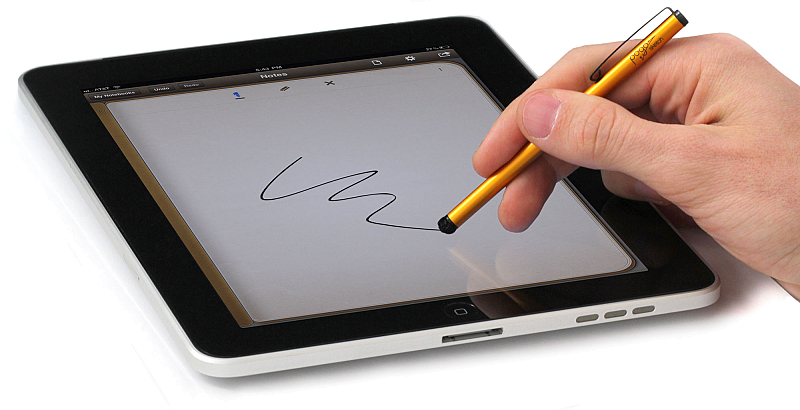
Incredible usability
Sketch on your iPad just like you would on paper. You spent years learning to handle a pen. Make them count!
