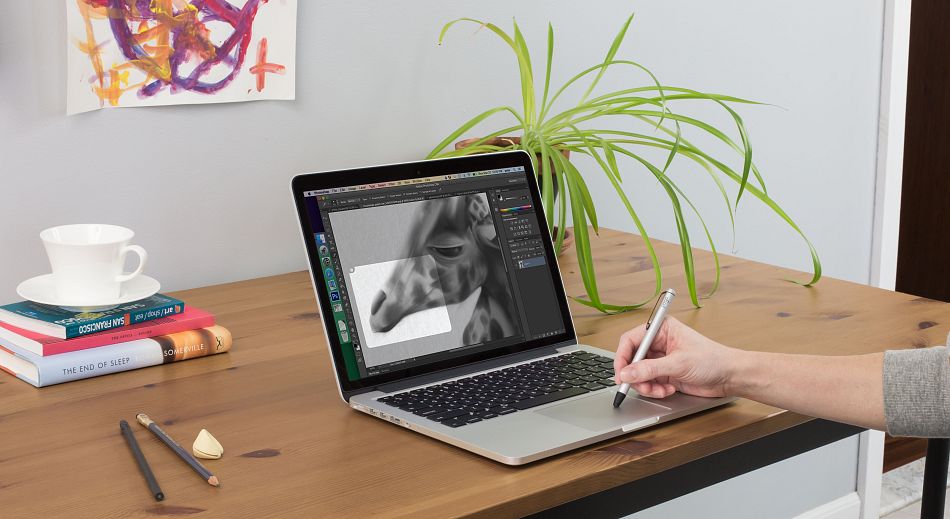
 Elevating your trackpad to so many new levels



Have you ever thought your trackpad could be something more?
Inklet allows your trackpad to emulate a pen tablet. With a Pogo or a Force Touch trackpad, Inklet even becomes pressure sensitive.
Have you ever thought your trackpad could be something more?
Inklet allows your trackpad to emulate a pen tablet. With a Pogo or a Force Touch trackpad, Inklet even becomes pressure sensitive.The force is strong with this one
Inklet is the first 3rd party application to support Apple’s new Force Touch trackpad. This means you’ll have amazing pressure control on newer machines, and in a pinch you can even use your finger.
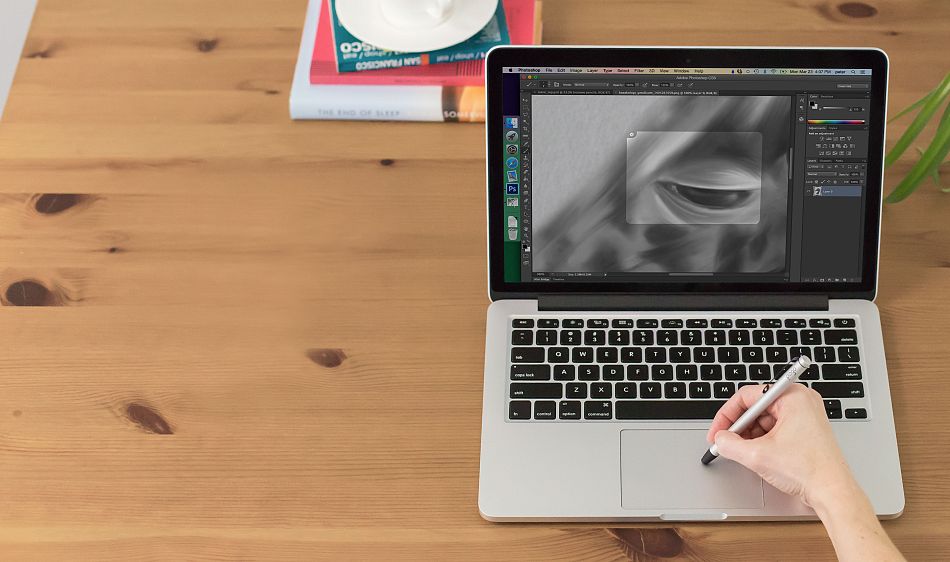
Designed for the modern trackpad
Inklet 2 & our Pogo pen were tailored to work perfectly with the tech in your trackpad.
We do everything but move the pen. That part’s up to you.

We do everything but move the pen. That part’s up to you.
Virtual Sliders
Zoom in or change the brush size just by sliding your finger on the edge of the trackpad. Virtual sliders make it easy to control almost any parameter of your favorite app.
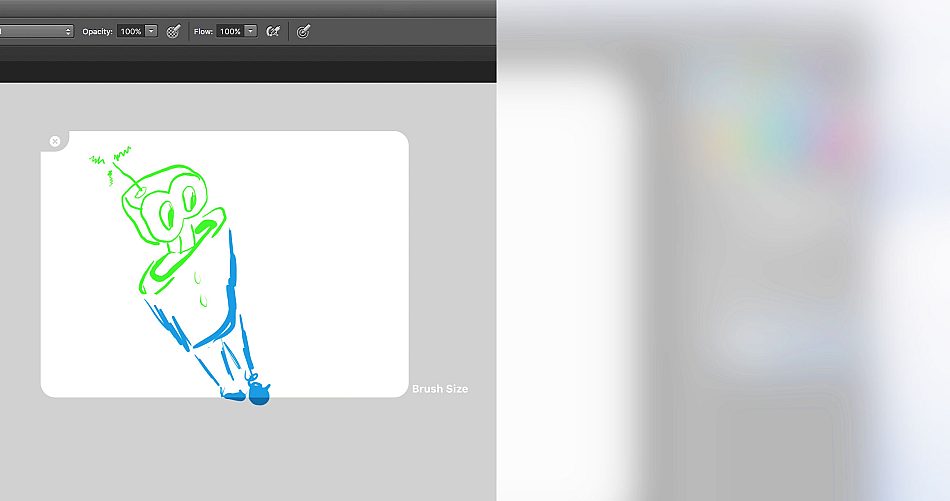
Virtual Sliders
Zoom in, change the brush size just by sliding your finger on the edge of the trackpad. Virtual sliders make it easy to control almost any parameter of your favorite app.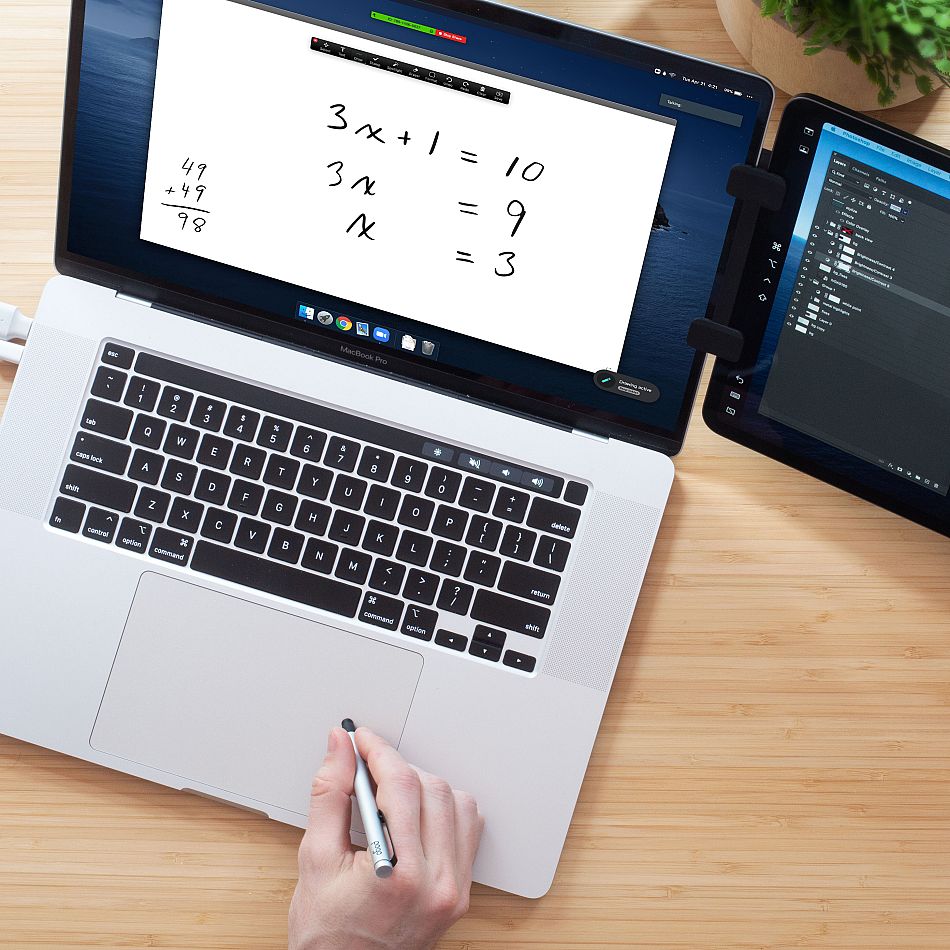
A full tablet experience
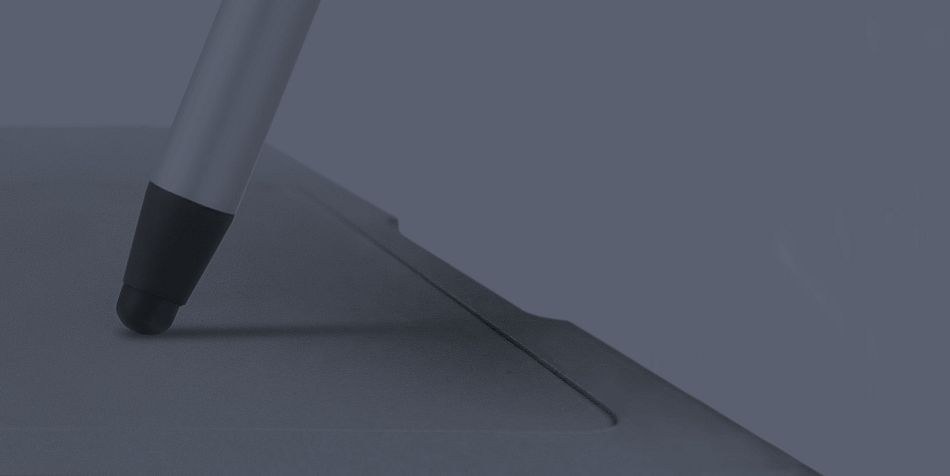
Move your Pogo lightly around the trackpad to hover without inking. Increase pressure to draw; heavier pressure will result in a thicker stroke. Draw into any application that can accept pen input.
Palm Rejection
It’s actually great. Inklet can detect and reject accidental touches around the edges. This is super-helpful on bigger trackpads.

Palm Rejection
It’s actually great. Inklet can detect and reject accidental touches around the edges. This is super-helpful on bigger trackpads.Works with all your favorite programs
Inklet is compatible with any app that has built-in drawing tools. We made a quick list, but compatibility is quite universal.
- All Photoshop versions
- MediBang Paint Pro
- Zoom video conferencing
- Microsoft OneNote
- Affinity Photo & Designer
- Lightroom
- Photoshop Elements
- Pixelmator Pro
- SketchBook Pro
- Sketch
- GIMP
- Formulate Pro
- Skim
- Scribbles
- Art Rage
- Corel Painter
- PDFPen
- All Adobe Illustrator versions
- Inkscape

- All Photoshop versions
- MediBang Paint Pro
- Zoom video conferencing
- Microsoft OneNote
- Affinity Photo & Designer
- Lightroom
- Photoshop Elements
- Pixelmator Pro
- SketchBook Pro
- Sketch
- GIMP
- Formulate Pro
- Skim
- Scribbles
- Art Rage
- Corel Painter
- PDFPen
- All Adobe Illustrator versions
- Inkscape
 All MacBooks with a Multitouch or Force Touch trackpad
 Apple Magic Trackpad 2
How do I install and run Inklet?
Step 2: Launch Inklet. You will see a black droplet on the toolbar in the upper right-hand corner or your screen. Inklet will run in the background while you go about your business elsewhere on your laptop.
How do I use Inklet with Photoshop or another drawing program?
Step 2: When you're ready to start Inklet, click on the droplet icon and select 'Start Inklet,' or use the hotkey (the default hotkey is control+option+i). Draw with your Pogo on the trackpad. If you don't have a Pogo, you can change the drawing tool to 'finger' in the Inklet drawing preferences.
Step 3: Move your Pogo lightly around on the trackpad to allow the cursor to hover without inking. Increase pressure to draw. heavier pressure will result in a thicker stroke.
